
Traffic Warrants in Motley County
A missed traffic date or unpaid judgment can lead to court process, but the specific next step belongs to the court on the citation. A county JP ticket stays with the Motley County Justice of the Peace. A city ordinance or fine-only ticket starts with that municipality. The sheriff’s page does not offer a traffic-warrant list.
DPS may separately report an FTA or FTP hold affecting license renewal. That hold is not the same thing as the court’s warrant or capias. Ask the issuing court about the case and use DPS only for its license-status route.
Motley County Traffic Warrant Search Fields
The county-linked nCourt portal is for Motley County JP citation and case lookup. It offers two search choices and a single identifier box. The form does not show a name, date of birth, warrant number, active-status filter, or municipal-court selector.
The county’s JP page links the same service. Its captured page is shown below; use the court named on the ticket before entering a number.
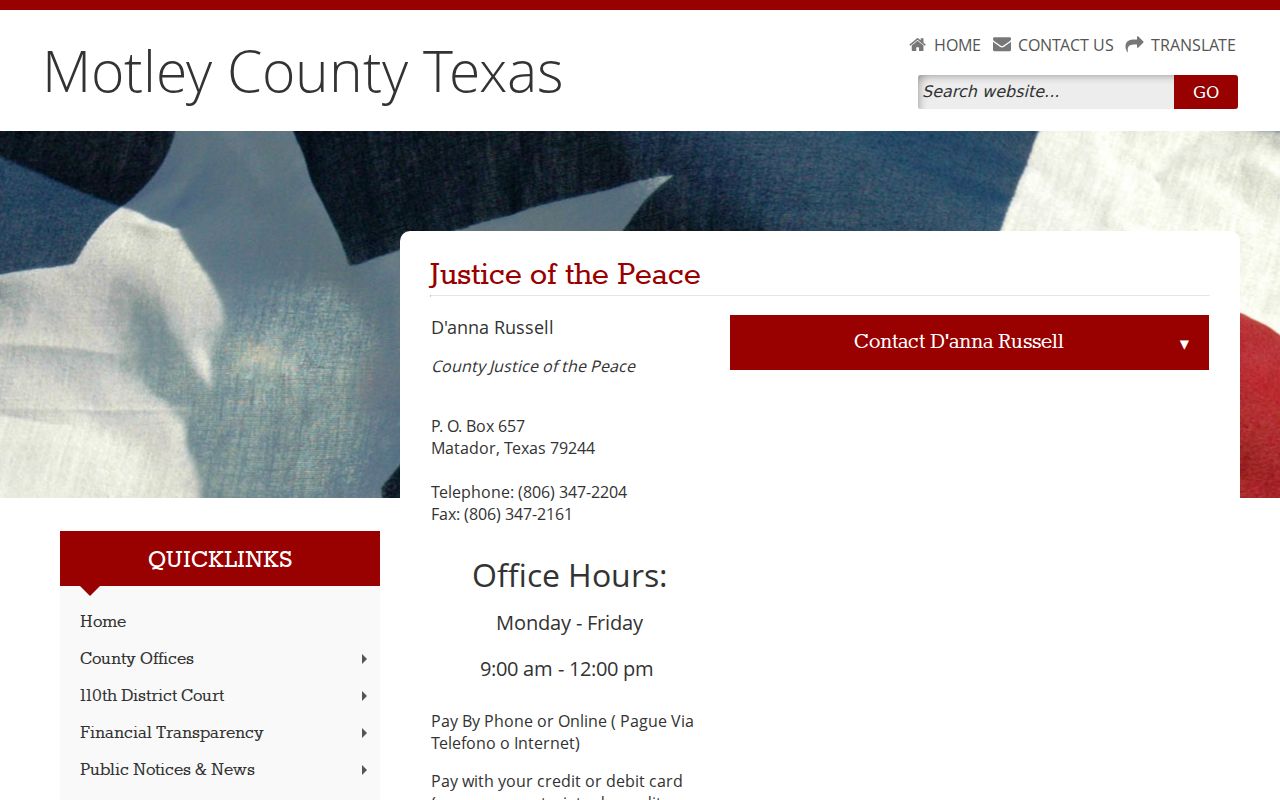
The JP’s direct line is (806) 347-2204 for questions the portal does not answer.
How to Check for a Motley County Traffic Warrant
Use the citation or cause number in nCourt when the paper names the county JP. The search page has radio buttons for Citation/Ticket Number and Case/Cause Number, a text box labeled “Enter Citation/Case Number,” and a Search button. If a citation names Matador or Roaring Springs instead, ask the city for its municipal route.
- Match the court and citation number from the ticket.
- Choose citation/ticket or case/cause number and search the county JP portal.
- Call the JP at (806) 347-2204 if the result is missing or unclear.
- For a city ticket, contact that city; for a record copy, ask the proper office about a written request.
Motley County Citation Number Rules
nCourt says to include any letter with the citation, such as 123456A. If a number starts with zero and fails, try it without that first zero. The portal instructs users to wait five days from the citation date before attempting online payment.
A failed search can mean a typo, a record that has not loaded, a city case, or a different case type. It does not answer whether a warrant exists. Call the court named on the ticket and keep the citation number for the clerk.
What a Traffic Warrant Shows
The JP lookup may return citation or case information and payment steps. It does not describe a warrant-status field, capias type filter, or complete active-warrant feed. No local traffic-warrant number pattern was published, so the sample below is the portal’s citation example rather than an invented warrant code.
| Citation sample | 123456A is the nCourt instruction example, not a warrant number. |
|---|---|
| Case type | JP citation/ticket or case/cause search. |
| Issuing court | Confirm the JP or city court printed on the citation. |
| Amount due | Read the portal terms and ask the court about hearings or hardship options. |
| Warrant status | No capias-status field is described; ask the issuing clerk. |
Motley County Traffic Payment Channels
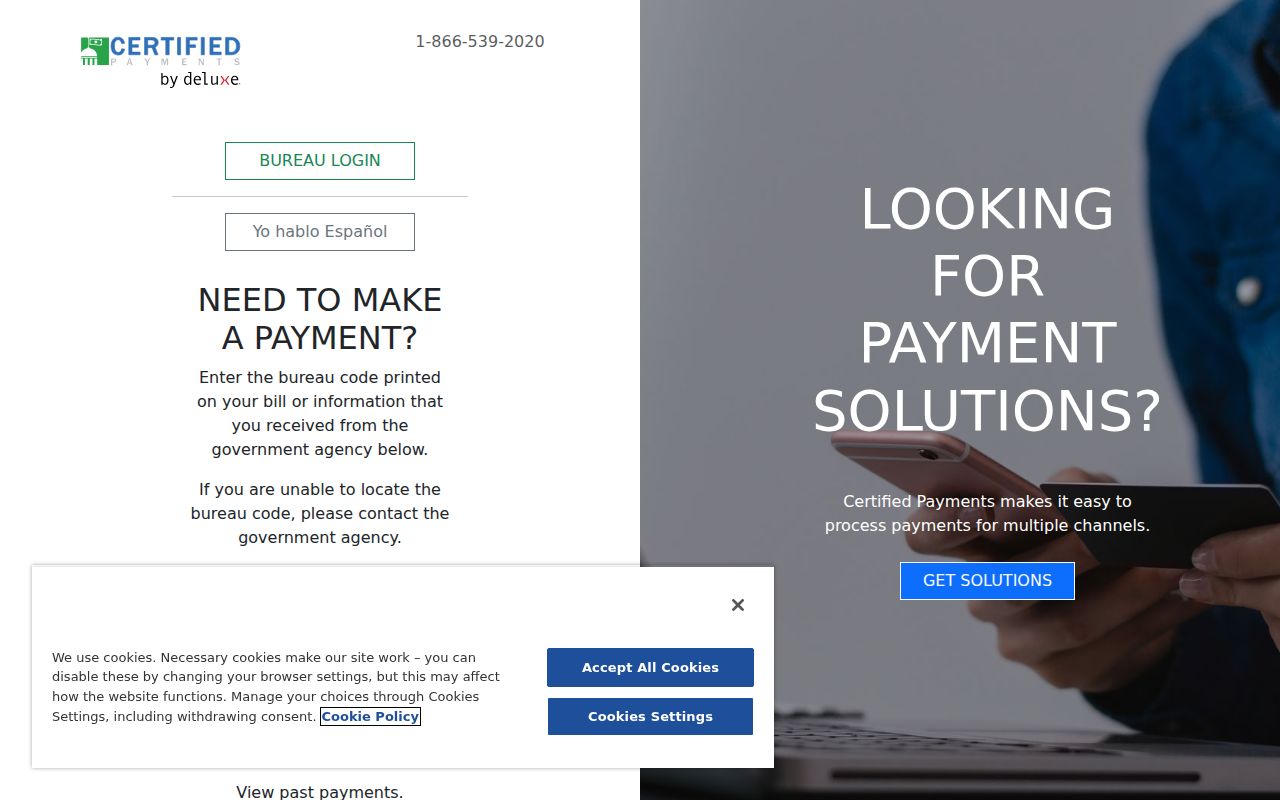
nCourt offers online lookup and payment. Its phone-payment line is (833) 868-3990, open Monday through Friday 8 a.m. to 8 p.m. and weekends 10 a.m. to 2 p.m. Eastern. The county clerk also links Certified Payments for county and district payment codes, but confirm with the JP which route applies to a particular ticket.
Do not send a payment to a code or office until the court confirms it matches the case. The Certified Payments page is a vendor route, not a court status decision.
Save a receipt and call the issuing court to ask whether any separate appearance or recall step remains.
Paying or Lifting a Traffic Warrant
Start by confirming the issuing court, amount, and process name. Ask whether payment, a hearing, payment plan, ability-to-pay review, bond, or voluntary appearance is appropriate. The public pages do not promise that an online payment automatically recalls a capias, and the court controls that action.
- Confirm the citation and court before paying.
- Use the court-approved online, phone, mail, or in-person method.
- Ask whether a hearing, hardship review, or bond process is needed.
- Get written confirmation of recall or the next court setting.
Warning: A payment receipt does not prove a court recalled the process; call the JP or city clerk and keep written proof of the court’s action.
Motley County License Holds and OmniBase
DPS may place a driver-license renewal hold after a court reports failure to appear or pay. DPS directs the person to the issuing court to verify the balance and whether an appearance is required. For more than one court, contact each one. OmniBase, at (800) 686-0570, is a separate FTA/FTP check, not a public warrant database.
DPS says to allow up to seven business days for a post-payment update and warns that its license staff cannot tell a caller whether a warrant exists. A county traffic warrant, a court’s capias, and a state license hold are related only when the records say so.
Traffic Warrant vs FTA and License Holds
One missed traffic case may lead to more than one record, but each has its own source. A court process is controlled by the issuing judge; an FTA/FTP hold affects license renewal through DPS. Paying the citation and clearing the state hold are separate steps.
| Mechanism | What Triggers It | What It Does |
|---|---|---|
| Court warrant or capias | Process ordered in the JP or city case | Ask the issuing court about status and recall. |
| Failure to appear or pay | Missed date or unpaid court obligation | Can trigger court action and/or DPS reporting. |
| DPS license hold | Court reports an FTA/FTP issue | Can affect driver-license renewal; use DPS/OmniBase for this separate status. |
Motley County Warrant Recall Needs Court Proof
Keep the payment receipt, case number, and any court notice. Then ask the JP or municipal clerk whether the judge entered a recall or whether another appearance is needed. A no-result in nCourt and a cleared DPS hold answer different questions, so neither replaces court confirmation.
If the court reported an FTA/FTP issue, use OmniBase or DPS for the driver-license update after the court confirms compliance. The Texas Courts FAQ and DPS FAQ can explain the system boundaries, but the issuing court sets the case result.